Showing posts with label images. Show all posts
Showing posts with label images. Show all posts
Saturday, April 8, 2017
How to Convert PDF to JPG Being Images
How to Convert PDF to JPG Being Images
How to Convert PDF to JPG - For users of laptop or computer would have been accustomed to using PDF files or other documents to write or save the image in the document. And not infrequently in the documents that had been Convert PDF to Word. PDF documents are more simple than the word, let alone pdf contents can not be removed (unless using special software). However, there are more cool tricks again that Convert PDF to JPG, so the text / image could hardly be removed if it changed its format.
PDF To JPEG Converter is a software that can be used to convert PDF documents to image files (JPG, JPEG), even the software is capable menconversi with many file types including results Jpg, bmp, psd, Raw, ps, HDP, png, PCX, PGM , gif, tga, ppm, tiff, PXM, pam, wmf, DCX, and pbm. This software can be obtained for free at the following link just unfortunately the software is still not a full version / premium:
Download Link
How to Convert PDF to JPG
Heres a guide to change PDF files into JPG format. Please download the software and install it on the link I gave above, then follow these steps:
1. Open the software as shown below,
# 1. Checklist if you want to output (convert) remain in the same folder,
# 2. Click to define the output in the place you set yourself,
# 3. Click the "Add Files" to take the PDF file you want converted, will automatically appear later fortam output options that cool, please see the picture below.
# 4. After all is OK, click Convert. Please wait until the end to a PDF file into an image (JPG). (Ingat..! Usually 1 page PDF document will be converted into one JPG file)
== >> The above picture will appear when you insert a PDF file, please choose according to your wishes.
== >> In the blue circle to determine how many pages you want to convert, if you select "All" then all pages will be pictures.
== >> In the red box where select output file format you want, please select. If you want results please select JPG JPG.
== >> Then click OK. Only after the next process to Convert CLICK.
Up here Guide How to Convert PDF to JPG. Hopefully you can be helped in smoothing documents, hehehe. If helpful do not forget to click the +1 or share your friend so that others can get this information.
Go to link Download

Wednesday, October 5, 2016
How to download instagram images
How to download instagram images
How to Solve This Annoying but Common Instagram Dilemma
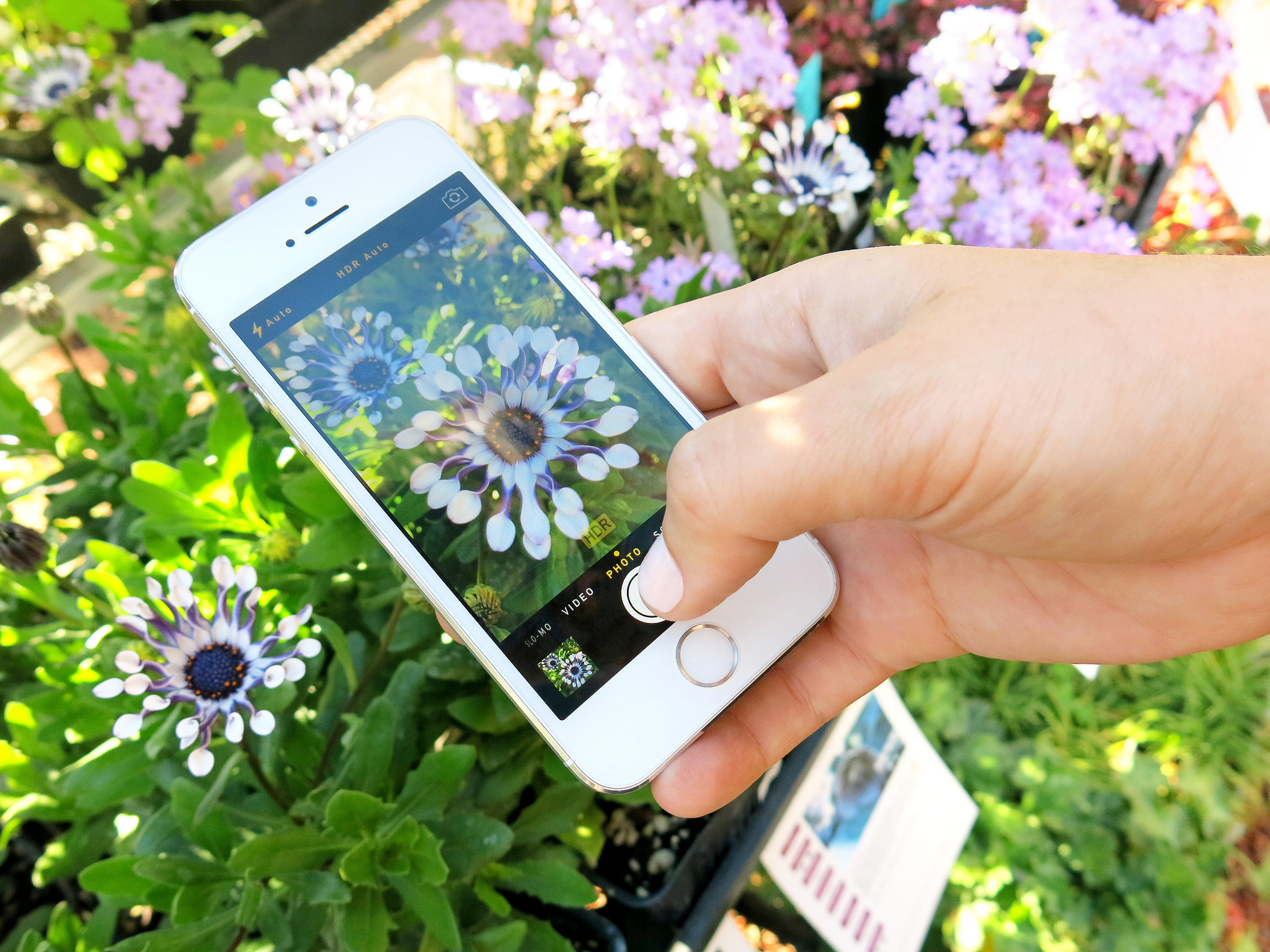
When it comes to Instagram photos, the double-tap is only good for so much. Every now and then its a good idea to save your (and your friends) filtered pictures — you know, in case you want to do something crazy like print them. Or turn them into magnets. Here are three easy ways to get it done.
1. Save Photos to Your Computer, One at a Time
Theres no way to do this on Instagram directly, but thankfully the website Gramfeed has you covered. download, download image instagram, download images instagram, download instagram image, download instagram images, image, Instagram, How to download instagram images,Just sign in with your Instagram log-in and click on the photo you want to save (yours, your friends, or anyone whos public). In the upper-right corner, hit "Download." This will open the photo in a new tab, and all you have to do is drag it to your desktop.
2. Save Photos to a Computer in Bulk
Dont want to save one picture at a time? Try 4K Stogram, an Instagram downloader for PC, Mac, and Linux.
download, download image instagram, download images instagram, download instagram image, download instagram images, image, Instagram, How to download instagram images,
Just enter an Instagram username or photo link, and you can save up to hundreds of photos at a time. Heres an easy-to-follow tutorial from our friend Veronica Belmont.
download, download image instagram, download images instagram, download instagram image, download instagram images, image, Instagram, How to download instagram images,
Just enter an Instagram username or photo link, and you can save up to hundreds of photos at a time. Heres an easy-to-follow tutorial from our friend Veronica Belmont.
3. On Mobile
Thanks goodness for apps, because theyre pretty much the only way to save other peoples pictures onto your phone. We recommend InstaSaver Free, which shows you your Instagram feed — all you do is tap on a picture, hit the download sign, and it automatically saves the photo to your camera roll.
download, download image instagram, download images instagram, download instagram image, download instagram images, image, Instagram, How to download instagram images,
And make sure youre downloading all the photos you post to Instagram by going to your Instagram options and turning on "Save Original Photos." This will automatically save your pictures to your camera roll once youve shared them with your followers.
Go to link Download
Subscribe to:
Posts (Atom)